NCEdCloud Guide for North Carolina's School Access
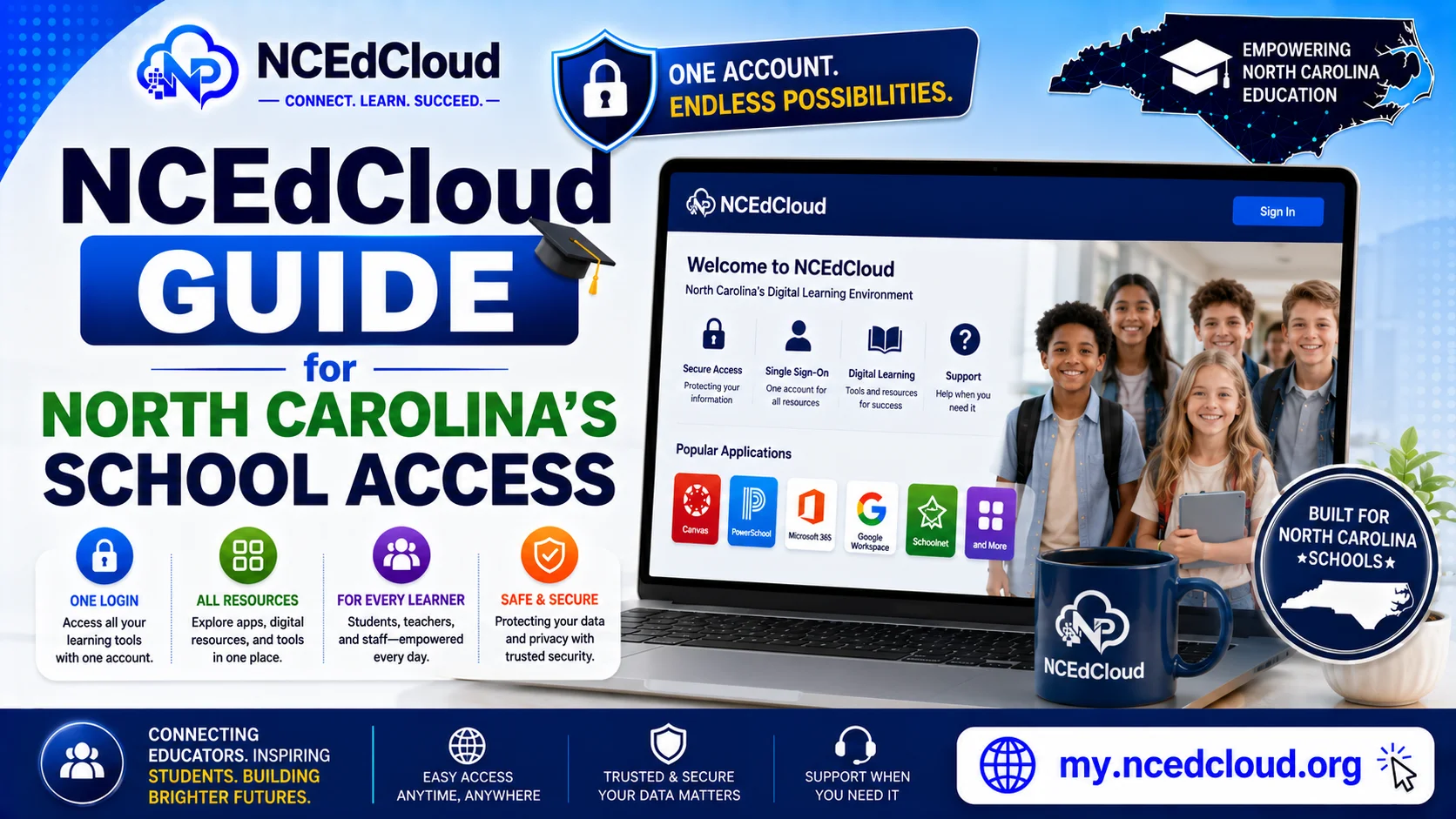
NCEdCloud is North Carolina’s official, state-run identity and access management (IAM) platform for K-12 public schools. It gives students, teachers, and staff a single login to reach the educational tools their district uses, including PowerSchool, Canvas, Google Workspace, and Microsoft 365, without juggling separate usernames and passwords for each one.
What is NCEdCloud?
NCEdCloud was launched in 2010 as a joint initiative between the North Carolina Department of Public Instruction, MCNC, and NC State’s Friday Institute, with Identity Automation awarded the contract in 2013 to build and run the platform on its RapidIdentity technology. Today it manages roughly 2.5 million accounts across more than 300 North Carolina school districts and charter schools, making it one of the largest state-run K-12 identity systems in the country.
In practice, that means one login gets a student, teacher, or staff member into every app their school has connected to, with no separate sign-ups or passwords to remember.
Key Features
Single Sign-On (SSO)
One username and password open every connected app in your Applications dashboard: PowerSchool, Canvas, Google Workspace, Microsoft 365, and district-specific tools without logging in separately to each.
Multi-Factor Authentication (MFA)
NCEdCloud requires MFA setup to confirm it’s really you before granting access to sensitive student and staff data. Time-based codes (TOTP) are the default, and it also supports WebAuthN, meaning users can authenticate with a passkey, YubiKey, or Face/Touch ID instead of typing a code.
Role-Based Access
What a student sees is different from what a teacher or a district administrator sees. Access is tied to your role, so you only reach the tools and data relevant to you.
Account Management for Districts
LEA and district administrators can create, update, and deactivate accounts from a central dashboard, which is what makes it practical to manage identities for hundreds of thousands of students and staff at once.
How to Log into NCEdCloud?
- Go to the official NCEdCloud login page at my.ncedcloud.org. Bookmark this, since it’s the only page that should ever ask for your credentials.
- Enter the username and password your district provided. Students and staff receive these from their school, not from this site.
- Complete MFA if your district requires it.
- Click Sign In to reach your dashboard and the apps linked to your account.
If you’re a first-time user, you’ll need to claim your account before you can log in.
Accessing PowerSchool Through NCEdCloud
PowerSchool is where most NC districts host grades, assignments, and schedules. Once logged into NCEdCloud, select the PowerSchool icon from your dashboard to go straight to your account without a second login. If PowerSchool doesn’t appear on your dashboard, it’s usually a district configuration issue rather than an issue with your account; contact your school’s IT support to confirm that PowerSchool is enabled for your role.
Using Canvas With NCEdCloud
Canvas is the learning management system many NC districts use for coursework, assignments, and grading. After logging into NCEdCloud, click the Canvas icon to reach your dashboard, where you can view courses, submit assignments, and check grades. If your district uses Canvas for high school specifically, your course list will populate automatically based on your enrollment. No separate Canvas account setup is needed.
Common Login Problems and Fixes
Can’t log in at all?
Check your internet connection first, then double-check your username and password. Credentials are case-sensitive.
“Account not found”?
This usually means you haven’t claimed your account yet. New students and staff need to complete the claim process before their first login.
Locked out after failed attempts?
Most districts enforce a lockout after repeated failed logins. Wait the specified period (commonly around 30 minutes) or contact your school’s IT support directly — locked accounts often need to be manually unlocked at the district level.
NCEdCloud seems down?
Scheduled maintenance does happen. Check the official NCEdCloud status page before assuming your account is the problem. See our full troubleshooting guide for more.
Who This Guide is For?
- For Students who claim my account for the first time or are troubleshooting a login.
- For Teachers and staff setting up MFA or managing role-specific access.
- For Parents trying to understand how NCEdCloud connects to their child’s grades
Note: Parent access to PowerSchool typically requires a separate registration. - LEA administrators managing accounts across your districts.
Frequently Asked Questions
What is NCEdCloud?
NCEdCloud is North Carolina’s state-run identity and access management platform for K-12 public schools, giving students, teachers, and staff one login for tools like PowerSchool and Canvas. It’s operated by NCDPI in partnership with MCNC and Identity Automation.
Is NCEdCloud down right now?
Check the official NCEdCloud status page for current outages or scheduled maintenance before troubleshooting your own account.
How do I claim my NCEdCloud account?
Go to my.ncedcloud.org, select “Claim My Account,” and follow the identity verification steps for your role (student or staff).
How do I reset my NCEdCloud password?
From the login page, click “Forgot Password” and follow the recovery steps tied to your account.
How do I find my NCEdCloud UID?
Log in and check your profile settings, or ask your school’s front office or IT department. Your UID is also usually printed on ID cards or PowerSchool-linked materials.
Disclaimer
This page is part of NCEdCloudPro.com, an independent resource for North Carolina’s NCEdCloud platform. We are not affiliated with, endorsed by, or connected to the North Carolina Department of Public Instruction (NCDPI), official IAM Service, MCNC, or Identity Automation. For account-specific issues, always contact your school or district Help Desk, or go directly to the official login at my.ncedcloud.org and read our full disclaimer written by Mark Albert.